Official Route Confirmation
An official access route is the first check before every login. Saving a known address and comparing the full domain can help users avoid imitation pages designed to collect passwords, codes, or personal details.
 Register
TKGG Login helps registered users enter their account to review profile settings, account notices, wallet information, and available platform areas. This Bangladesh-focused guide covers official-page checks, secure password entry, code verification, recovery steps, mobile session safety, and responsible account use when access or account details need attention.
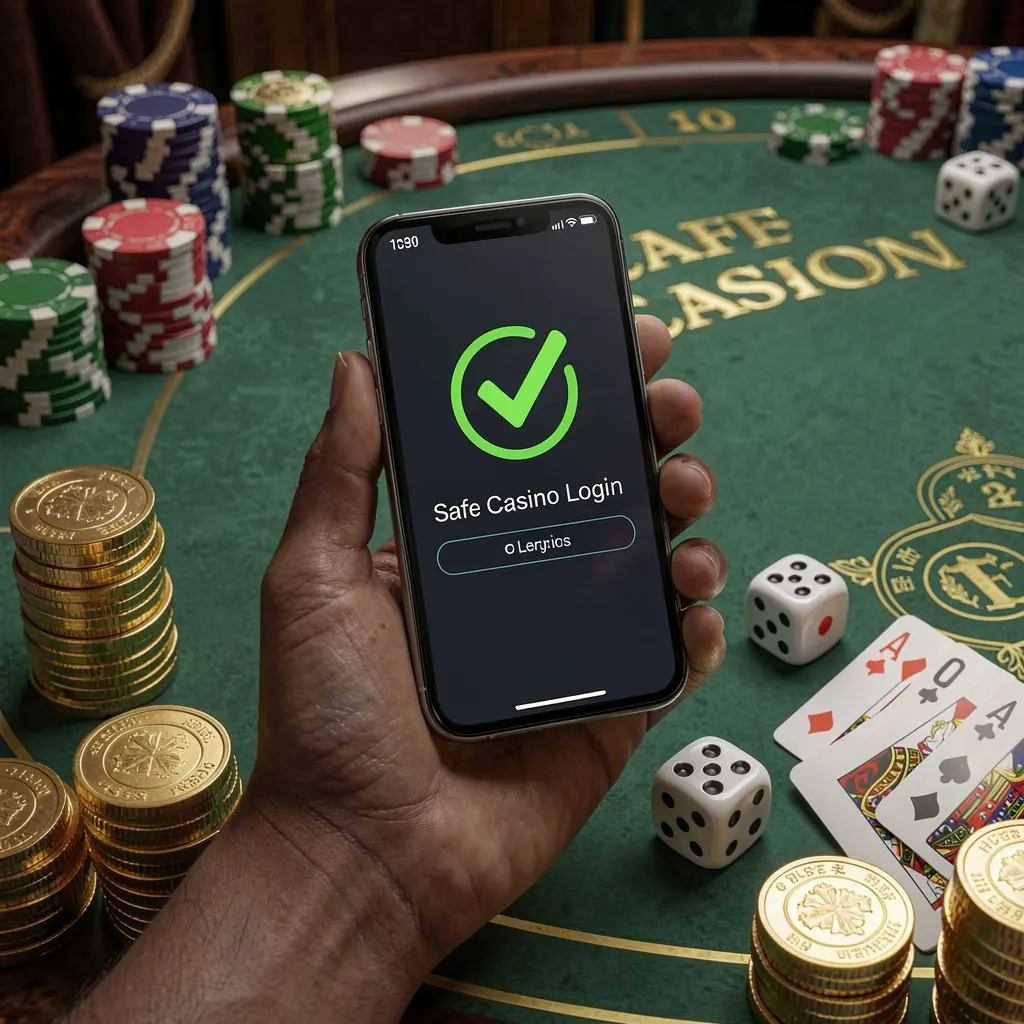
The TKGG Login page is where registered users enter their account credentials before opening account settings, notices, and other available areas. Treating this page carefully helps reduce errors involving old passwords, incorrect contact details, or links that do not belong to the official platform.
Before entering a username, phone number, email address, password, or one-time code, check the web address and use a saved official route where possible. Do not rely on forwarded messages, unfamiliar advertisements, copied pages, or private contacts offering account access assistance.
Users accessing TKGG from Bangladesh should also keep their device private, understand applicable local rules, and make considered decisions about gaming-related services. Account access is not a reason to share sensitive information or spend beyond personal limits.
A regular sign-in routine can make TKGG account access easier to manage on a phone or computer. Follow each step slowly, particularly when using a new browser, changing devices, or completing a verification request.
Open TKGG through its official website or a bookmark you created yourself. Check the domain carefully before entering details, especially if a link arrived through a chat, social post, or advertisement.
Provide the phone number, email address, or username linked during registration. Review keyboard language, spelling, and browser auto-fill entries, as stored details may be old or associated with another account.
Enter passwords and any requested OTP only on the verified TKGG login screen. Keep codes private, as they can be used to confirm access or begin a password reset.
Review profile details, account notifications, activity records, and available security settings after logging in. Stop using the session and contact official support if information appears changed or unfamiliar.
An official access route is the first check before every login. Saving a known address and comparing the full domain can help users avoid imitation pages designed to collect passwords, codes, or personal details.
A clear recovery option is important when a password is forgotten or a login detail no longer works. Start recovery only from the official TKGG page and follow the instructions connected to the registered contact method.
Mobile access can be convenient, but a phone should have a screen lock and updated browser. Avoid allowing passwords to remain saved on borrowed devices, shared phones, or public computers.
After entering the dashboard, check contact information, notifications, and account activity before continuing. Early review can help identify a mistaken login, unfamiliar device message, or detail that needs official support attention.
Login difficulties can result from a mistyped credential, expired code, browser problem, weak connection, or outdated registration contact. Avoid repeatedly guessing passwords, since this can make recovery harder and may trigger additional account checks.
Confirm that the correct username, email, or phone number is being used. If the password remains unsuccessful, use the official reset process rather than trying numerous variations or asking unofficial contacts for help.
Check mobile signal, message filters, email spam folders, and access to the registered number or inbox. Wait briefly before requesting another code, because repeated requests may invalidate earlier messages.
Refresh the browser, check the internet connection, clear outdated browser data, or try an updated browser. Close the page if redirects, unusual forms, or unexpected requests for payment details appear.
A new phone or browser may require an extra confirmation step. Complete it only on the official page, then inspect account notices and log out once finished if the device is not private.
Account security depends on more than a password. A private device, a trusted network, current recovery details, and careful review of account notices all help protect personal information and reduce exposure to unauthorized access attempts.
TKGG access should be used only by adults and only where permitted under applicable rules. Gaming-related activity involves financial risk and should not be viewed as a source of income. If it causes stress, debt, secrecy, or conflict, pause activity and seek appropriate support.
Answers to common TKGG Login questions for Bangladesh users, including official access checks, password recovery, verification codes, mobile sessions, and account safety.
Start from the official TKGG website or a personal bookmark, verify the page address, enter your registered login detail, and keep your password and OTP code private.
Use the password recovery option on the official TKGG login page. Follow the instructions for your registered contact detail and do not accept reset assistance through unofficial private messages.
Check network signal, SMS filters, email spam folders, and whether the registered phone number or email remains available. Wait before requesting another code to avoid invalidating an earlier one.
You can access the login page through a supported mobile browser when using the correct official route. Keep the phone locked, updated, and private, and avoid saving credentials on shared devices.
Review profile information, account notices, activity records, and available security settings. If any information looks unfamiliar, end the session and use the official support route for guidance.